Variables
This chapter will teach you how to use variables within a fleet.
Variables in the fleet
Go to the Variables tab of your fleet. There you will see a list of variables. This list contains only Global and Fleet variables.
Right now you can see the UPDATE variable that we created earlier.
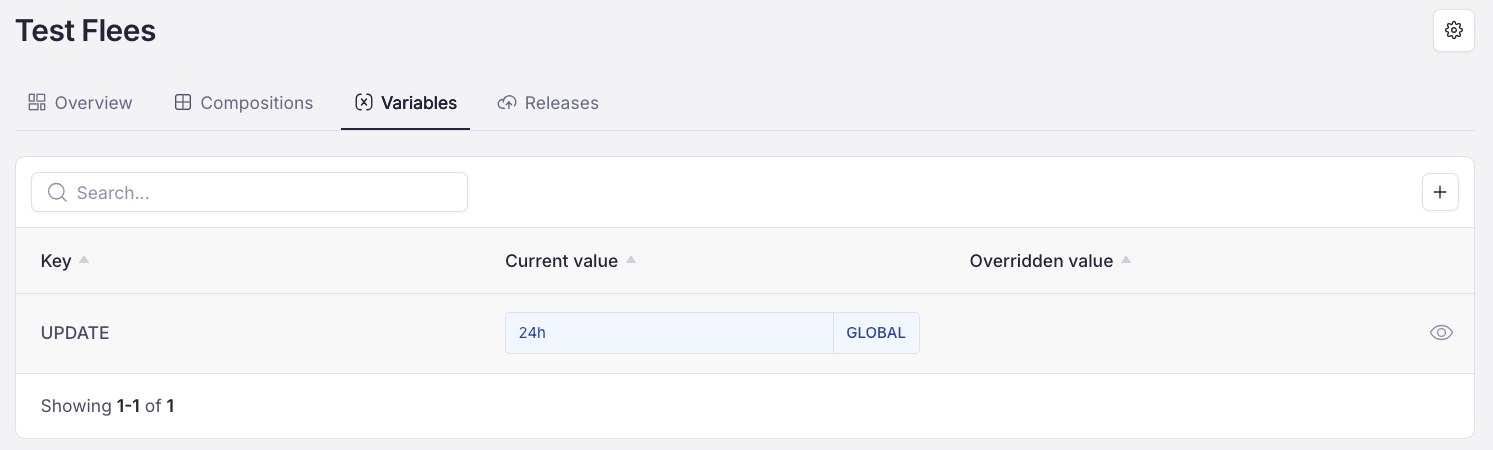
Variables in fleets can be managed in the same way as any other variable: you can change the name, value, value type and description. To learn how to do that, see REFERENCE TO VARIABLES.
Creating a variable
The process of creating a fleet variable is the same as creating a global one (see REFERENCE TO THE VARIABLES SECTION: HOW TO CREATE A GLOBAL VARIABLE). Click the "+" button, provide a name, value and description, and click Create.
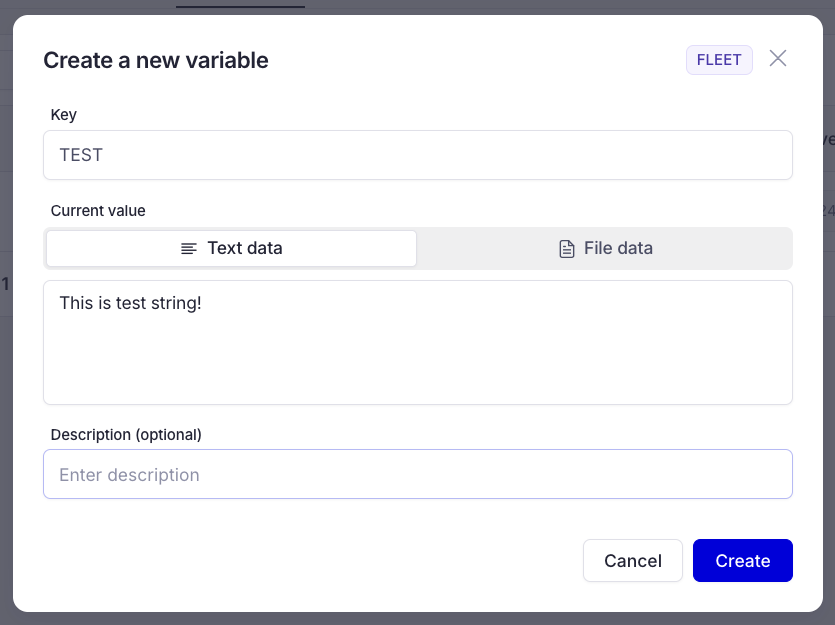
Overriding an existing variable
As mentioned in the Variables chapter <—– REFERENCE, you can override variables. To do so, create a variable with the same name as the variable you want to override. The next screenshot shows how to override the UPDATE variable:
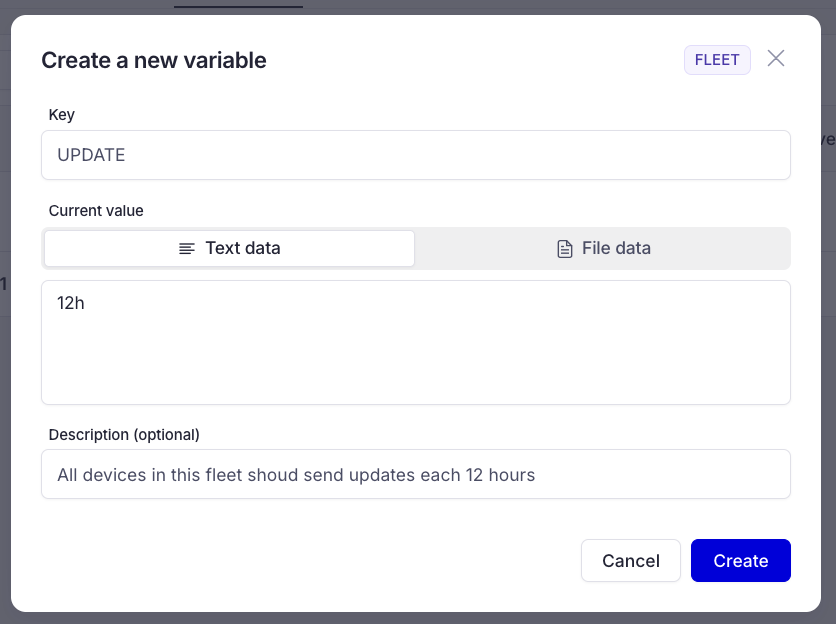
We are creating the UPDATE variable with a 12h value, but as you saw, that variable already exists, so after we press Create, the Global variable will be overridden for this fleet.
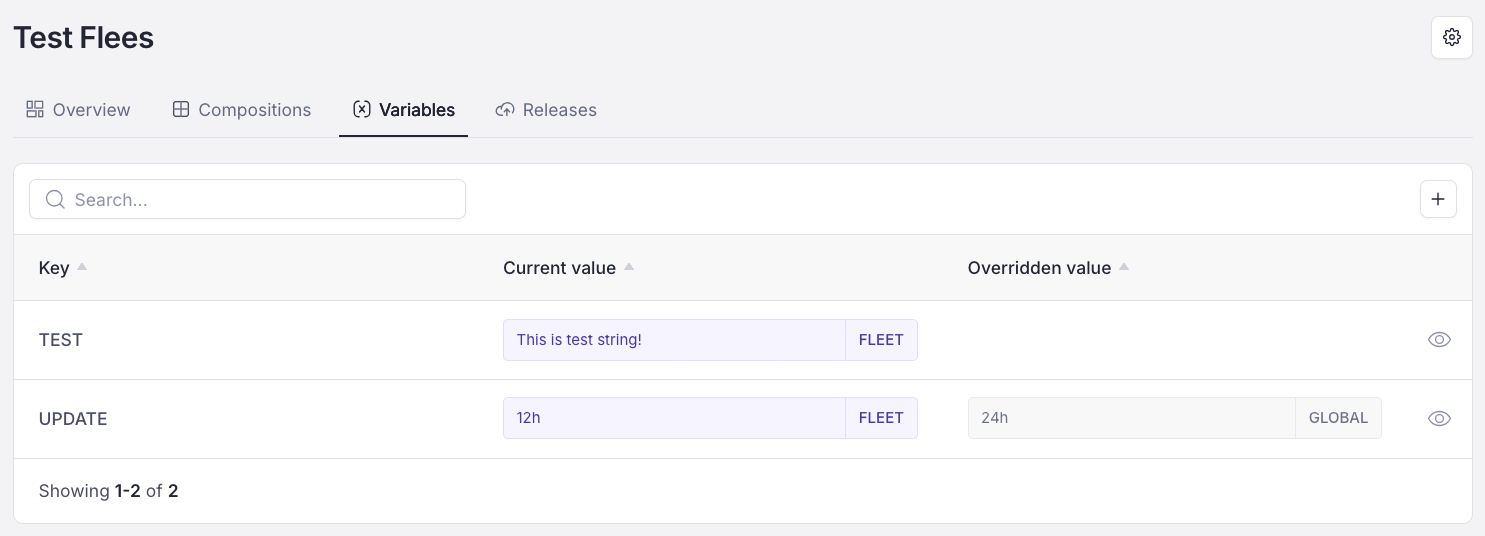
Newly created and overridden variables