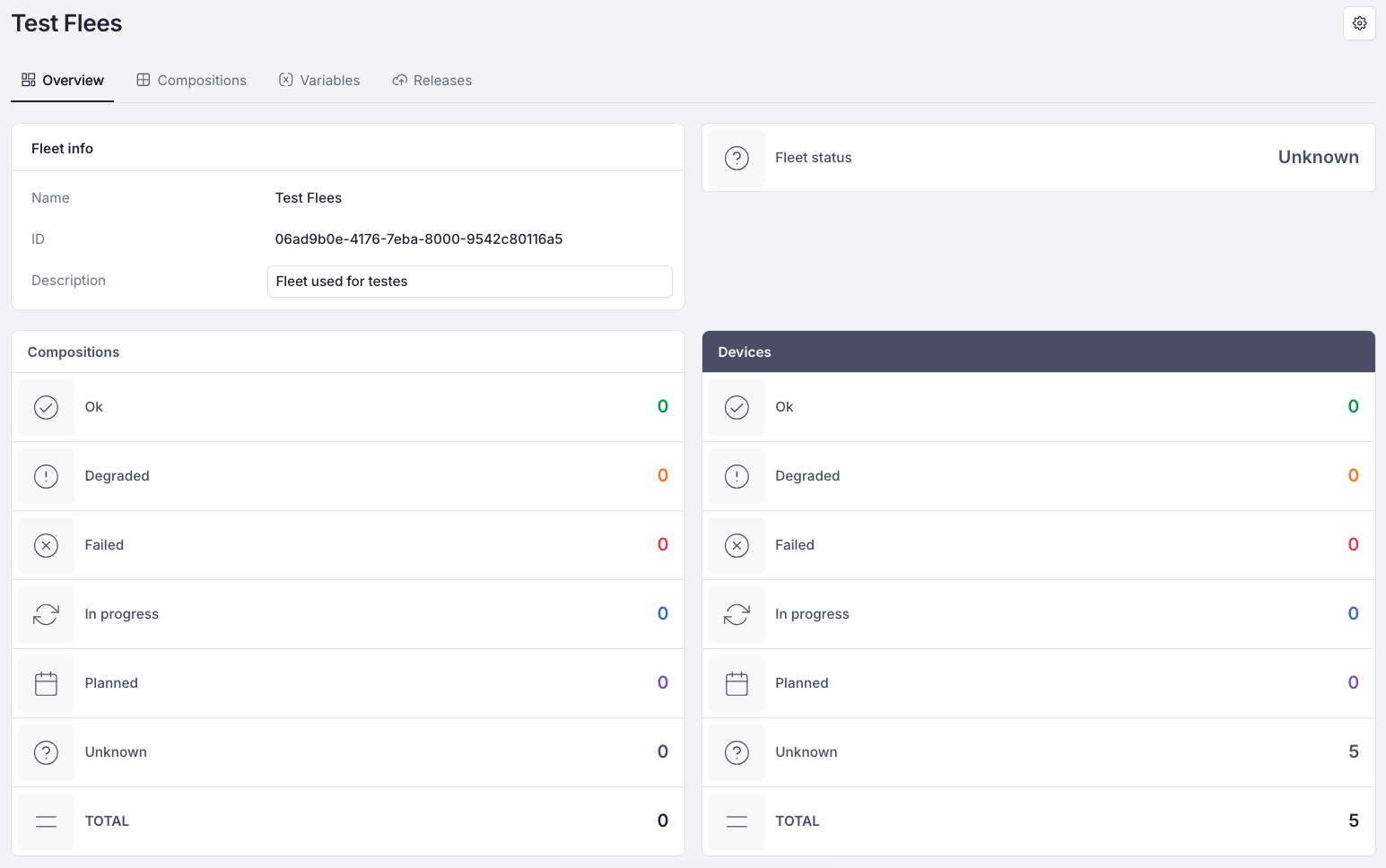
Create first fleet
This chapter is going to help you create your first fleet
Creating first fleet
Go to the sidebar and choose Fleets section (for more detail see What Fleets Are). After you open the Fleets section, the empty list of fleets will appear.
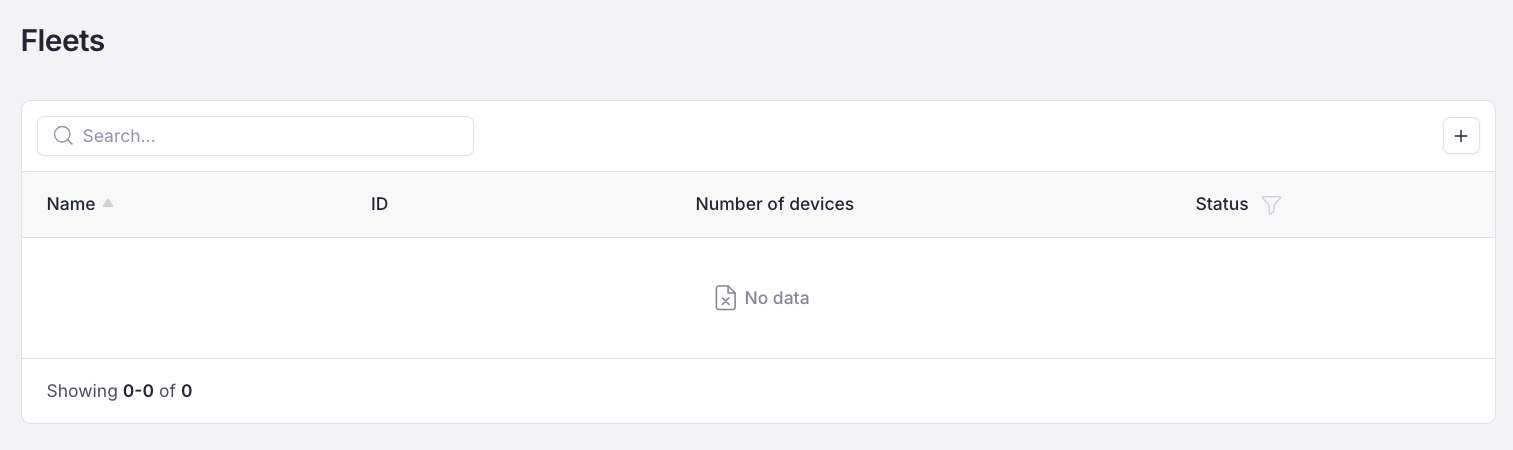
Press the "+" button at the top right corner to create a new fleet. The pop-up will appear:
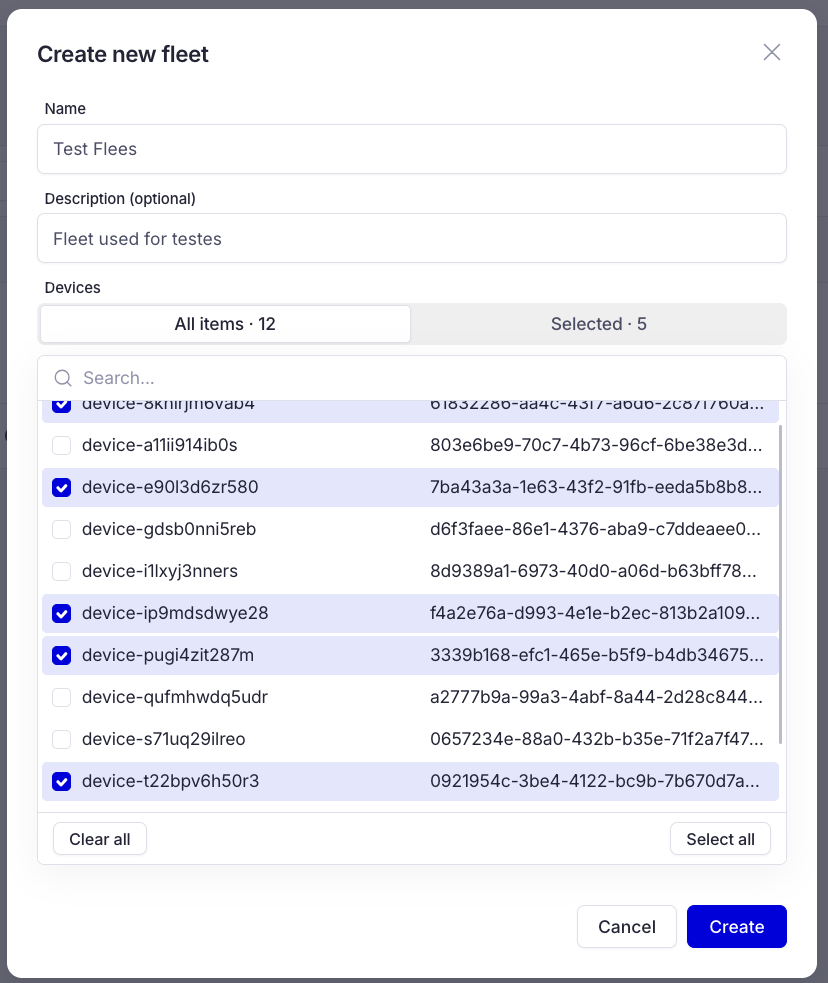
Provide the name of the fleet you are going to create, then provide a description, and at the end choose devices that are going to run the same application. Note, that description field is optional, but we recommend to provide each fleet with clear description. After that press Create button and your first fleet is created.